



Tools That Make Work Flow

Tools That Make Work Flow

Get more done in less time with tools designed for speed and clarity.

Get more done in less time with tools designed for speed and clarity.

Approved by best companies worldwide

Approved by best companies worldwide

Workflow Assistant

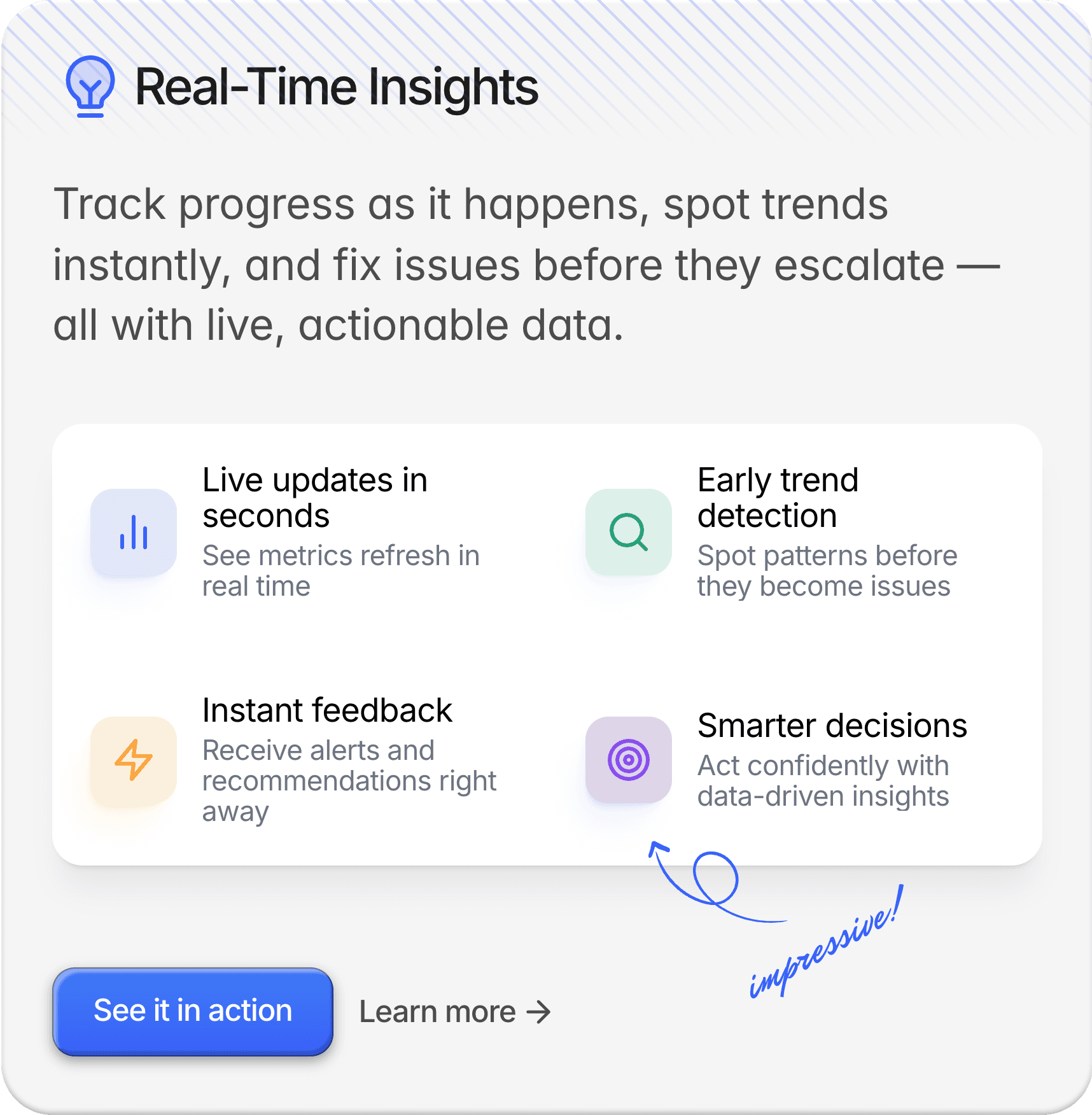
Real-Time Insights

Project Hub

Workflow Assistant

Real-Time Insights

Project Hub

Features

Tools That Make Work Flow

Simplify your workflow without sacrificing performance.
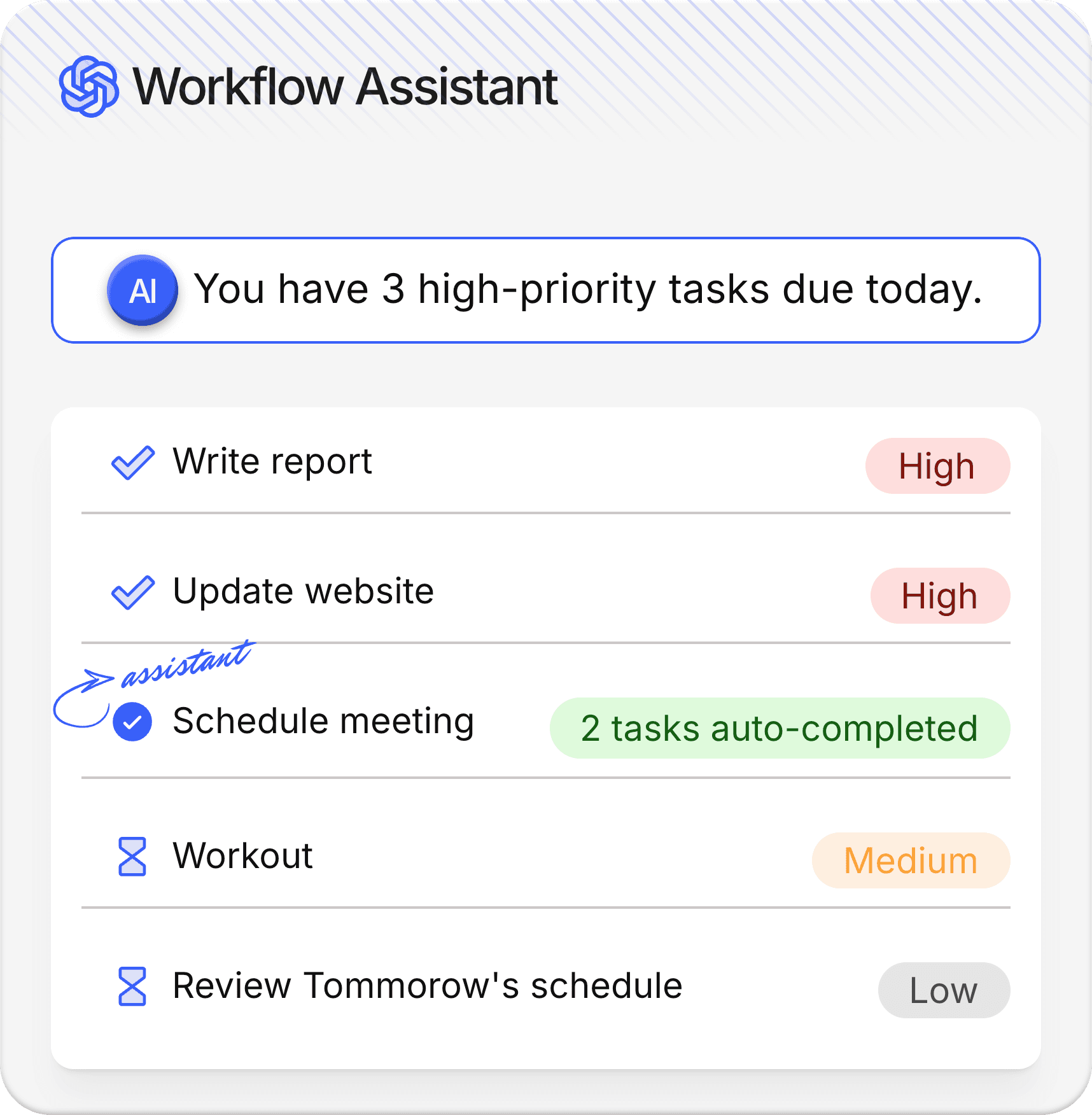
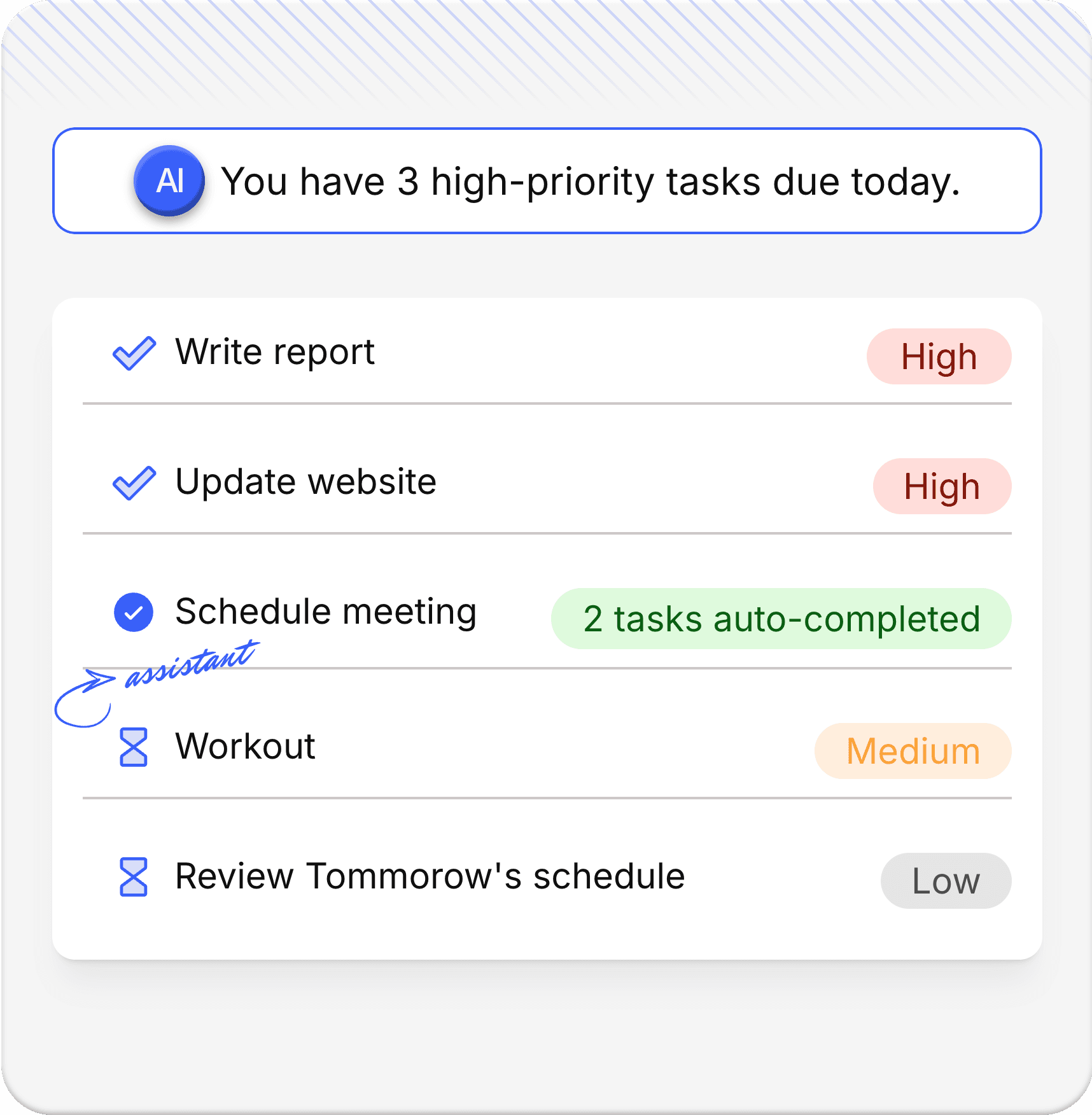
Smart Workflow Assistant

Let AI take care of the repetitive stuff — automate tasks, suggest next steps, and help you stay focused on high-impact work.

Next-step suggestions

Task automation

Adaptive workflow

Quick tool access

Learn more

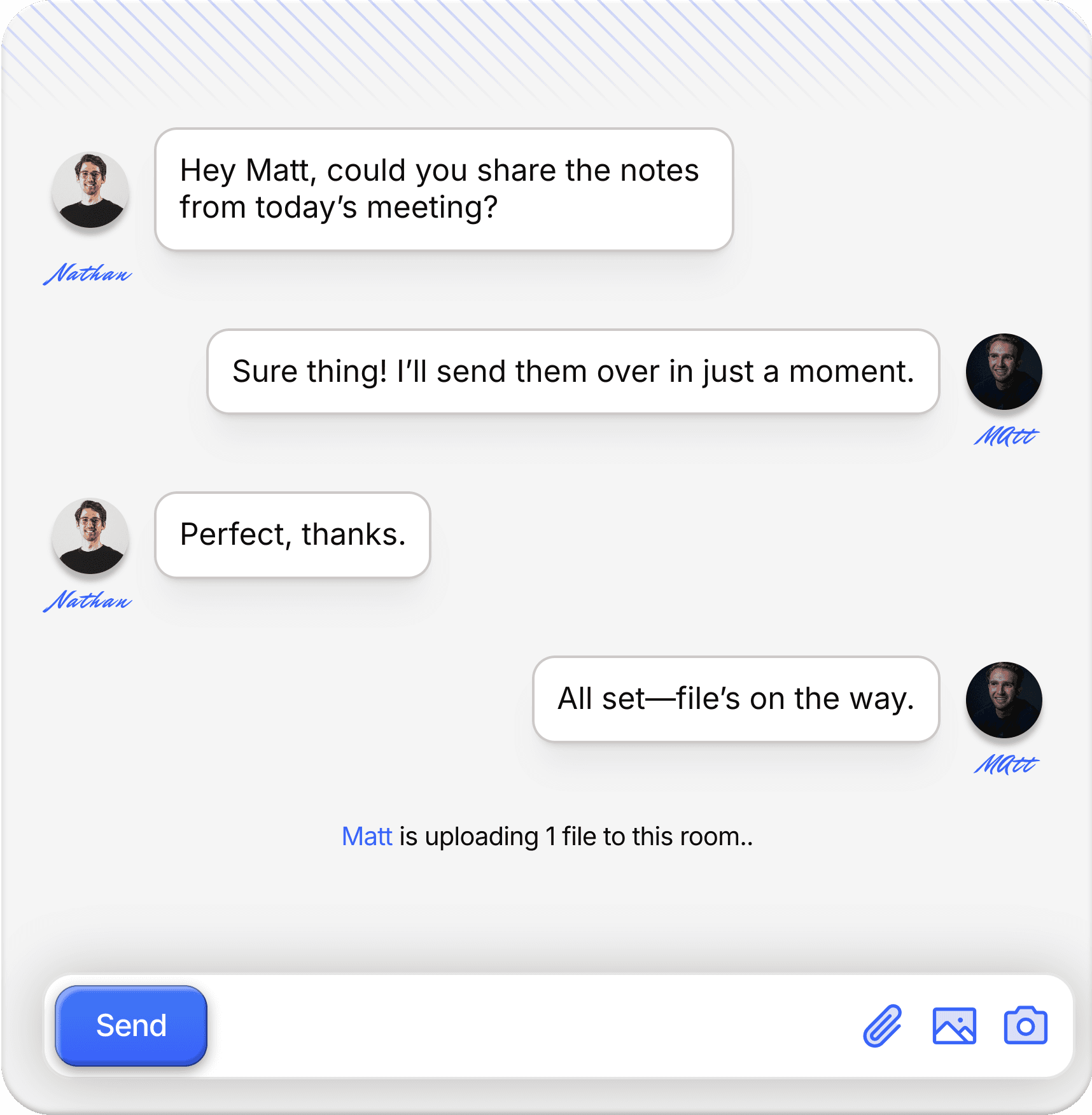
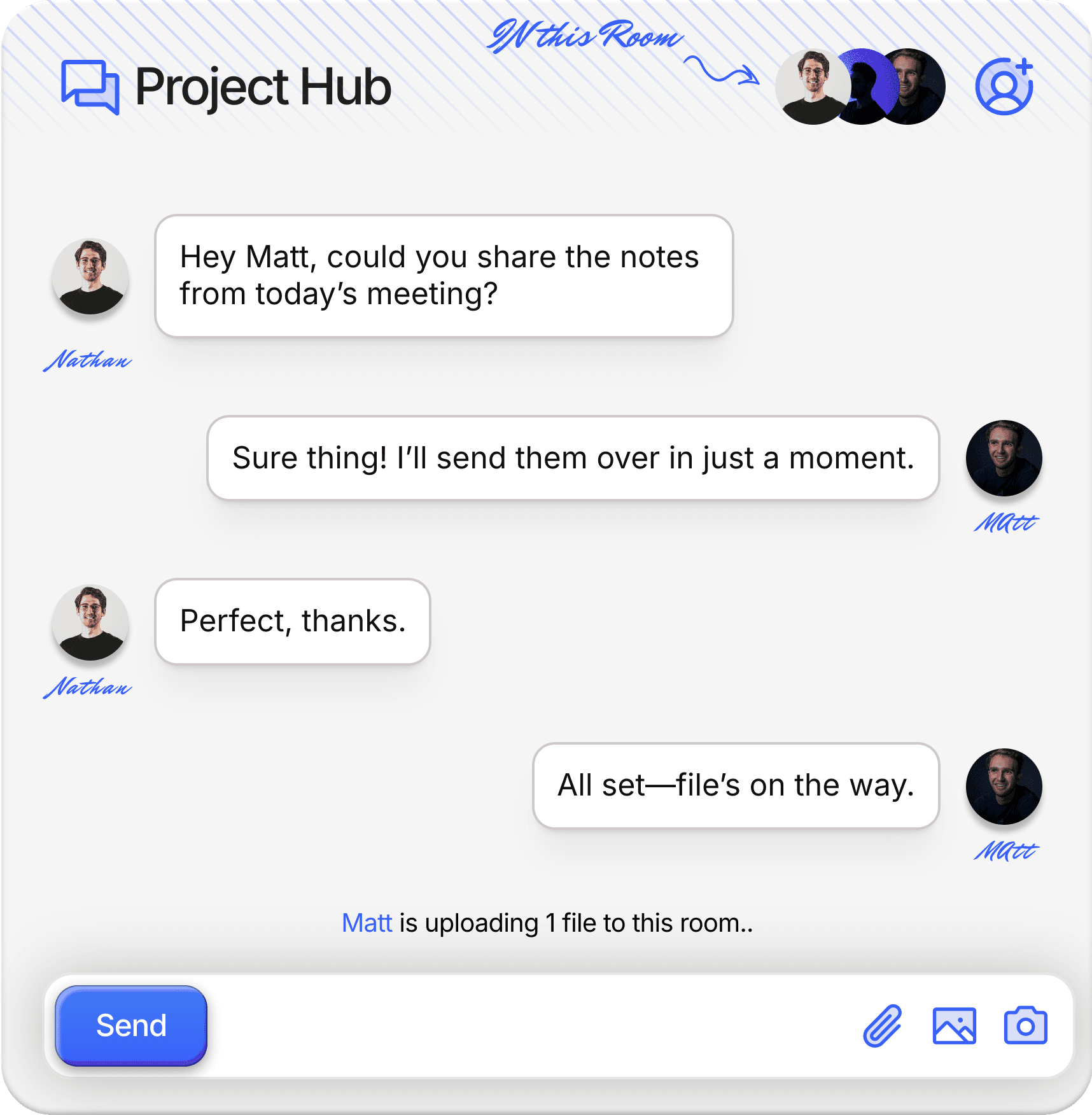
Unified Project Hub

Organize, prioritize, and track all your projects in one place — so your team never misses a deadline or detail again.

Built-in chat

Live editing

Role control

Shared boards
Learn more

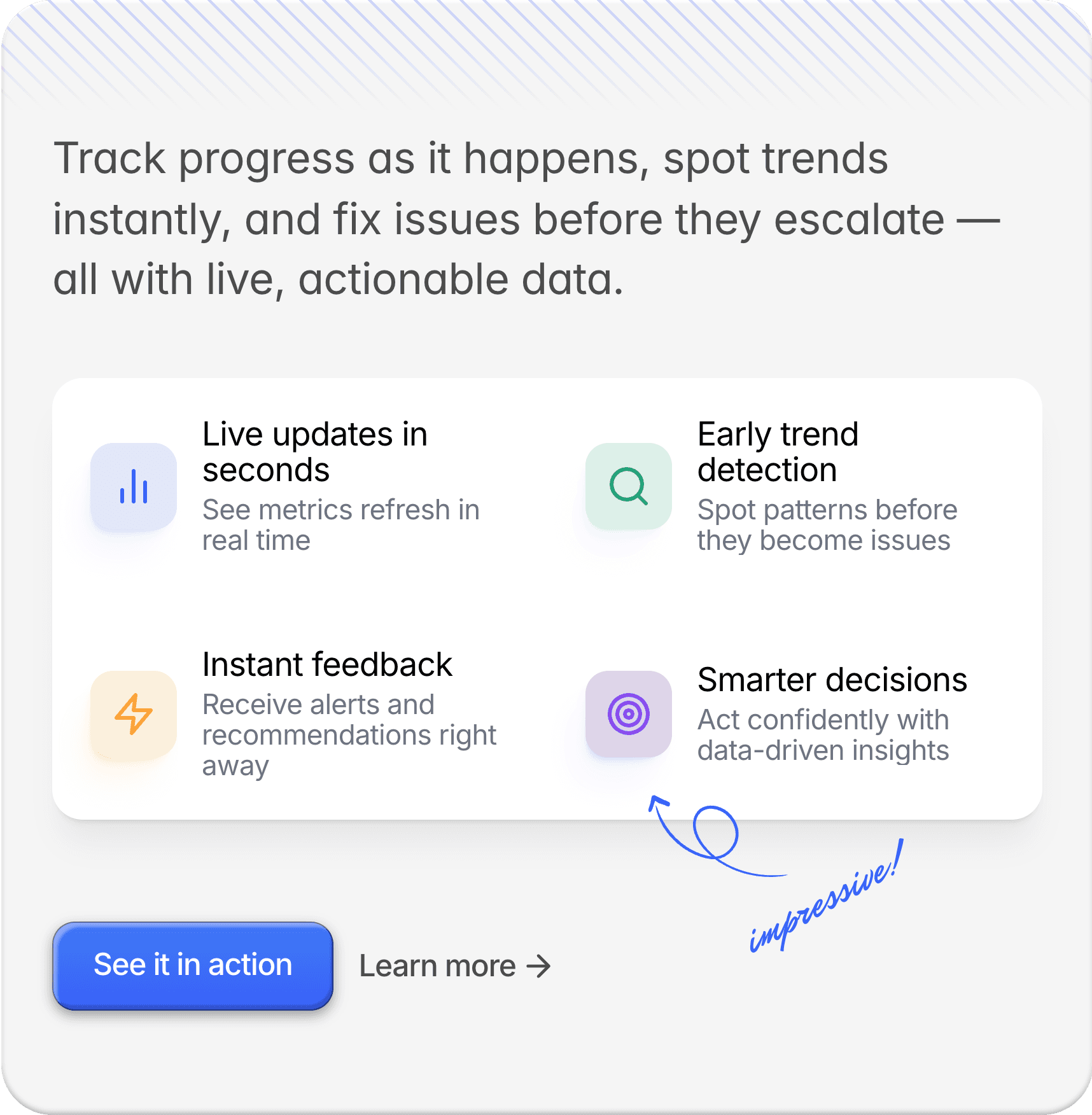
Real-Time Performance Insights

See exactly how your team is performing with live dashboards, trend reports, and instant alerts

Trend visuals

Live progress

Instant alerts

Data suggestions

Learn more

Benefits

Tools That Make Work Flow

Simplify your workflow without sacrificing performance.

Team Resource Planner

Allocate people, time, and tools across your teams to maximize output and reduce bottlenecks.

Team Resource Planner

Allocate people, time, and tools across your teams to maximize output and reduce bottlenecks.

AI Insights Engine

Turn complex data into clear, actionable insights — powered by AI and built for fast decisions.

AI Insights Engine

Turn complex data into clear, actionable insights — powered by AI and built for fast decisions.

Instant API Connect

Plug into third-party tools and platforms instantly using secure, flexible, and reliable APIs.

Instant API Connect

Plug into third-party tools and platforms instantly using secure, flexible, and reliable APIs.

Workflow Automator

Automate tasks, approvals, and triggers to cut manual work and save hours.

Workflow Automator

Automate tasks, approvals, and triggers to cut manual work and save hours.

Time & Activity Tracker

Keep tabs on team activity and time spent — so everyone stays focused and on track.

Time & Activity Tracker

Keep tabs on team activity and time spent — so everyone stays focused and on track.

Client Access Portal

Give clients a clean, secure space to review updates and collaborate without the back-and-forth.

Client Access Portal

Give clients a clean, secure space to review updates and collaborate without the back-and-forth.

How to get started

Up and Running in Minutes

No learning curve. No technical setup. Just four simple steps between you and a smarter workflow.

Sign Up

Sign up in seconds — no credit card required. Just enter your email, set a password, and you're in.

01

Set Up Your Workspace

Name your workspace, invite your team, and choose your industry.

02

Connect Your Tools

Plug in the apps you already use — Slack, Notion, Google Drive, and 50 more integrations.

03

Start Getting Work Done

Assign tasks, set deadlines, and let the AI Workflow Assistant handle the repetitive stuff.

04

Sign Up

Sign up in seconds — no credit card required. Just enter your email, set a password, and you're in.

Set Up Your Workspace

Name your workspace, invite your team, and choose your industry.

Connect Your Tools

Plug in the apps you already use — Slack, Notion, Google Drive, and 50 more integrations.

Start Getting Work Done

Assign tasks, set deadlines, and let the AI Workflow Assistant handle the repetitive stuff.

Sign Up

Sign up in seconds — no credit card required. Just enter your email, set a password, and you're in.

Set Up Your Workspace

Name your workspace, invite your team, and choose your industry.

Connect Your Tools

Plug in the apps you already use — Slack, Notion, Google Drive, and 50 more integrations.

Start Getting Work Done

Assign tasks, set deadlines, and let the AI Workflow Assistant handle the repetitive stuff.

INTEGRATED WITH:

FAQ

Got Questions?

We’ve got the answers you need — from setup to billing and beyond.

Do I need any technical skills?

Not at all. Celest is built to be intuitive and beginner-friendly — no coding knowledge needed.

Can I cancel or change my plan?

Yes. You can upgrade, downgrade, or cancel anytime. No contracts and no questions asked.

Is there a free trial available?

Absolutely! You can try the full experience for free before committing to any paid plan.

Do you offer support if I get stuck?

Yes. Our support team is here to help via email or chat — and Pro users get priority support.

How secure is my data?

We use industry-standard encryption to keep your data safe, private, and fully protected at all times.

Can I invite my clients?

Yes — even on the Basic plan, clients can access shared portals. Pro users get full branding and permission control.

Do I need any technical skills?

Not at all. Celest is built to be intuitive and beginner-friendly — no coding knowledge needed.

Can I cancel or change my plan?

Yes. You can upgrade, downgrade, or cancel anytime. No contracts and no questions asked.

Is there a free trial available?

Absolutely! You can try the full experience for free before committing to any paid plan.

Do you offer support if I get stuck?

Yes. Our support team is here to help via email or chat — and Pro users get priority support.

How secure is my data?

We use industry-standard encryption to keep your data safe, private, and fully protected at all times.

Can I invite my clients?

Yes — even on the Basic plan, clients can access shared portals. Pro users get full branding and permission control.

Do I need any technical skills?

Not at all. Celest is built to be intuitive and beginner-friendly — no coding knowledge needed.

Can I cancel or change my plan?

Yes. You can upgrade, downgrade, or cancel anytime. No contracts and no questions asked.

Is there a free trial available?

Absolutely! You can try the full experience for free before committing to any paid plan.

Do you offer support if I get stuck?

Yes. Our support team is here to help via email or chat — and Pro users get priority support.

How secure is my data?

We use industry-standard encryption to keep your data safe, private, and fully protected at all times.

Can I invite my clients?

Yes — even on the Basic plan, clients can access shared portals. Pro users get full branding and permission control.

  • Celest

  • Celest

  • Celest

Stay in the loop.

Get productivity tips, updates, and exclusive resources straight to your inbox.

© 2025– Celest. All rights reserved

Create a free website with Framer, the website builder loved by startups, designers and agencies.